
Wireless CarPlay vs wired CarPlay is not a contest with one winner for everyone. Wireless is cleaner and easier for short trips. Wired is often simpler for charging, long drives, and stubborn infotainment systems. The best choice depends on your car's original CarPlay support, your phone habits, and whether you value a cable-free cabin more than absolute predictability.
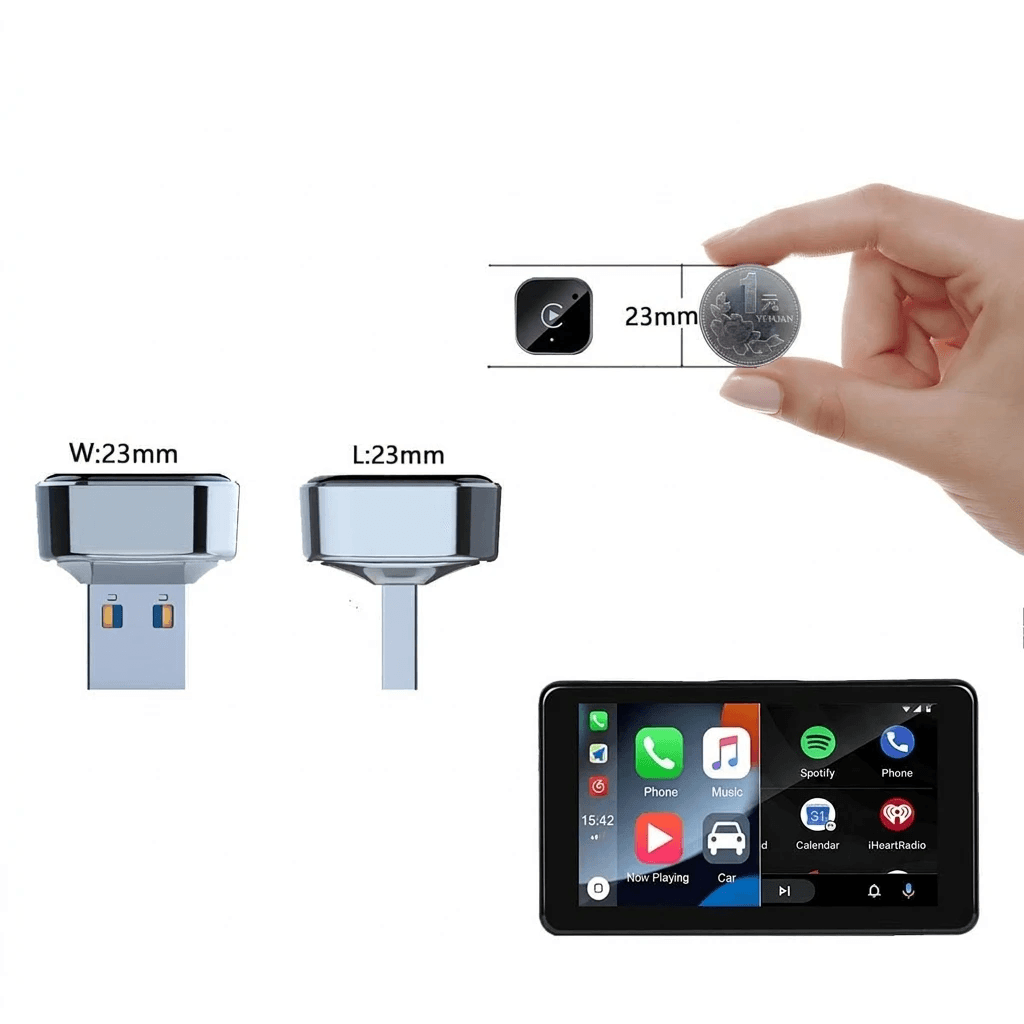
CarGearDirect currently lists the Wireless CarPlay & Android Auto 2-in-1 Adapter - Universal Wireless Dongle. The product page describes it as a way to transform a wired setup into a wireless experience for Apple CarPlay and Android Auto. That makes it relevant for shoppers comparing adapter convenience with the cable they already use.
The Everyday Difference
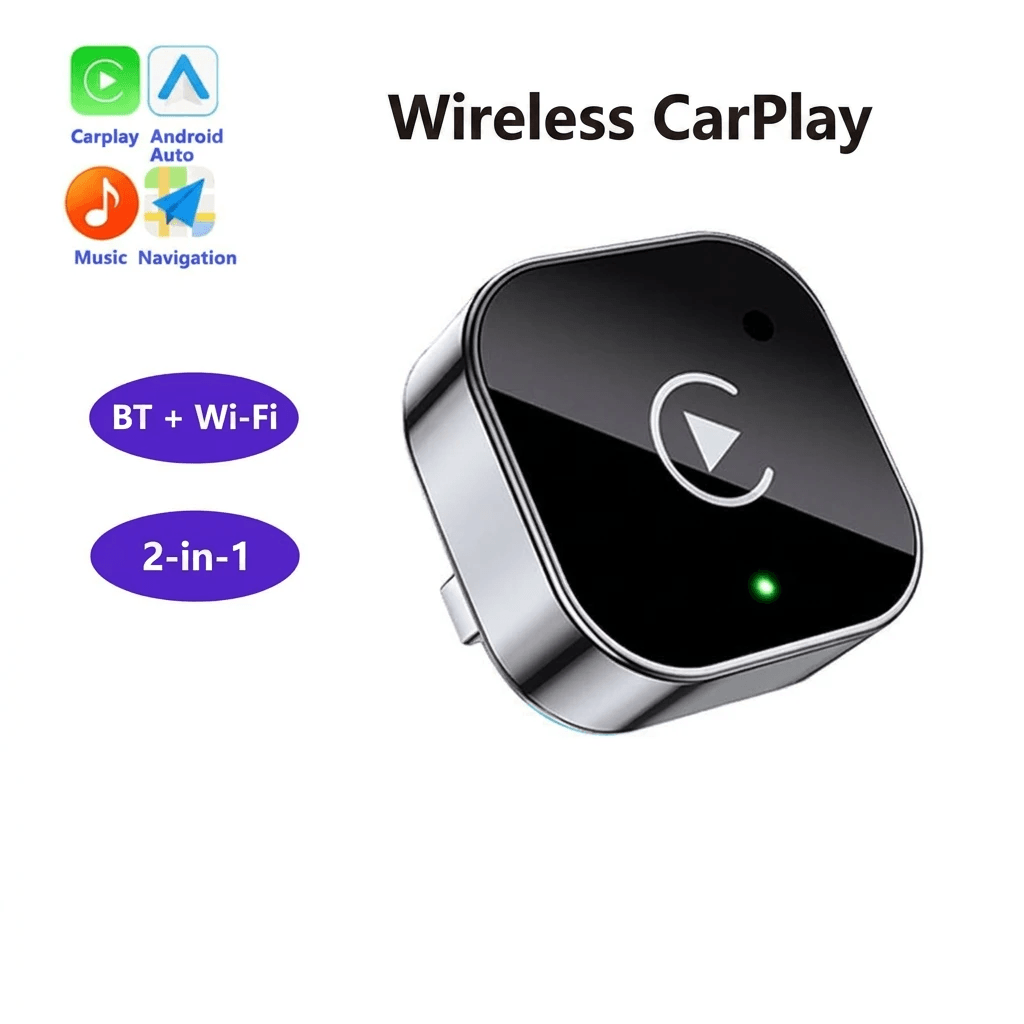
Wired CarPlay normally starts when you connect the phone to the vehicle's supported USB port. Wireless CarPlay uses wireless communication, so the phone can remain in your pocket, bag, or a cabin organizer. Apple maintains CarPlay setup guidance and an available-models list, but vehicle behavior still depends on the exact head unit, model year, software, and region.
For short errands, wireless is lovely: get in, start, connect, go. For a five-hour drive, wired can be calmer because it charges while it runs and avoids relying on a second accessory's power and pairing behavior.
Before Buying an Adapter
Check whether your vehicle already has factory CarPlay, whether that factory system is wired-only, and which USB port activates it. Wireless adapters generally depend on a functioning wired CarPlay setup first. If your car does not support CarPlay at all, an adapter meant for wired-to-wireless conversion may not solve the problem.
- Confirm your phone and iOS version support the CarPlay functions you need.
- Test your current wired cable and USB port before blaming the vehicle.
- Check whether your car starts CarPlay from USB-A, USB-C, or a specific labeled port.
- Plan a charging option, such as a separate compact fast car charger or a retractable multi-port charger.
Keep Screens from Becoming a Distraction
CarPlay can simplify maps, calls, and audio, but the screen still deserves respect. NHTSA's distracted driving guidance applies whether the phone is connected by cable or wirelessly. Set routes, playlists, and calls before moving, and pull over if a connection problem needs attention.
For related accessories, compare CarGearDirect's Protection and Gadgets, New Arrivals, and Best Sellers. If fitment is unclear, use Contact Us.
Bottom Line
Choose wireless CarPlay if cable clutter bothers you and your existing wired setup is already reliable. Keep wired CarPlay in your toolkit for charging, long trips, and troubleshooting. The clever setup is not ideological; it is flexible enough for the drive you are actually taking.