
A car phone holder that won't fall starts with a realistic promise: no mount is magic. A holder can be well designed, but the final result still depends on the dashboard surface, phone weight, case shape, cable pull, heat, and where the driver places it. The best choice is the one that stays steady in your actual cabin while keeping the phone easy to set before the drive and easy to ignore while the car is moving.
CarGearDirect currently lists a Car Dashboard Anti-Slip Mat Phone Holder. The product page describes a one-piece silicone stand with a sticky surface, an adjustable slot for most smartphones, easy cleaning, and repositioning. That makes it a practical reference point for drivers who want a simple dashboard holder rather than a suction cup, vent clip, or powered charging mount.
First, Choose a Safe Location
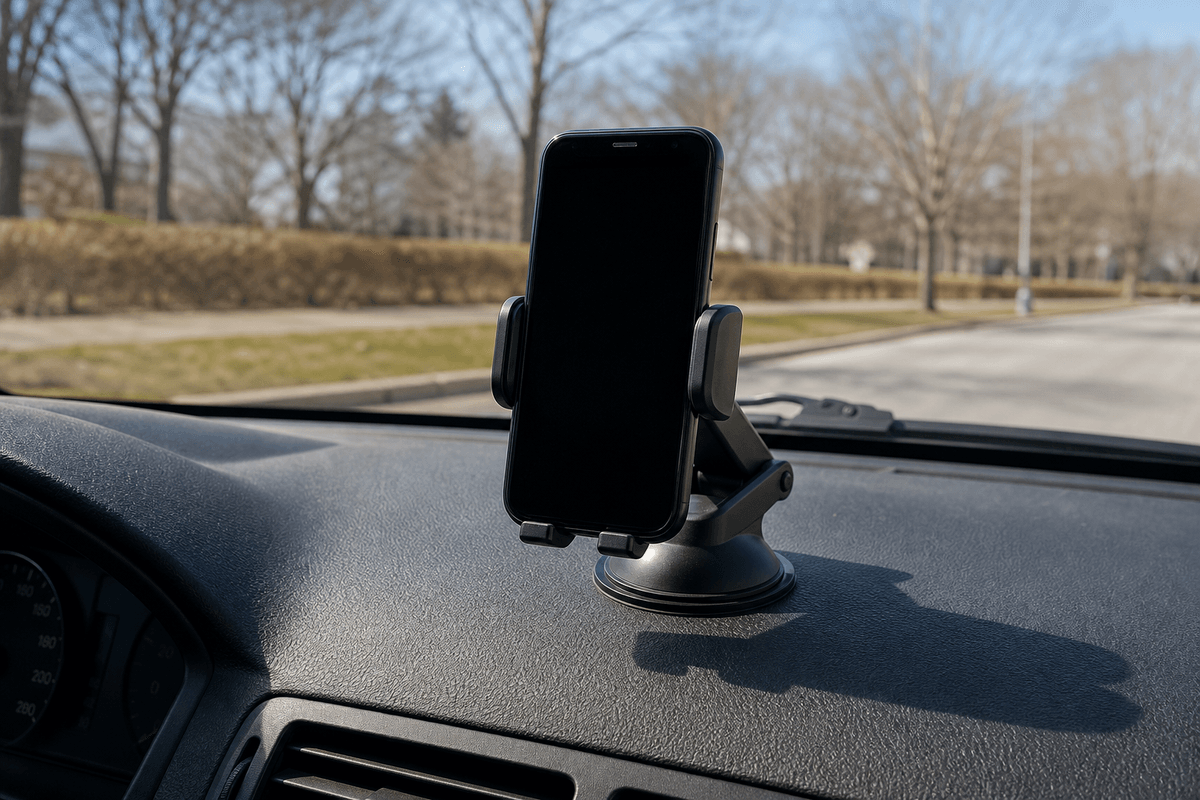
The strongest holder is still the wrong holder if it blocks the windshield, mirrors, controls, airbags, or a clear view of the road. NHTSA's distracted driving guidance is a useful reminder that phone interaction can take attention away from driving. Set the phone position, navigation, music, and charging before you move.
Also think about airbag zones. A phone holder should never sit where it could interfere with deployment or become a loose object in a crash. If you are unsure about a vehicle-specific airbag location, check the owner manual before placing anything on the dash.
Why Phone Holders Fall
Most falls trace back to a few practical causes. Before buying a new holder, check whether one of these problems is actually causing the current one to slip:
- Dust and dressing on the dashboard: Interior protectants, oil, and dust can reduce grip.
- Steep or curved dash surfaces: A holder that works on a flat area may slide on a sloped one.
- Phone weight and case bulk: Thick wallet cases, rugged cases, and large camera bumps can shift the center of gravity.
- Cable drag: A charging cable can tug the phone sideways during turns or bumps.
- Cabin heat: Sun exposure can soften adhesives, warm devices, and reduce confidence in some mounting surfaces.
Do a Parked-Car Stability Test
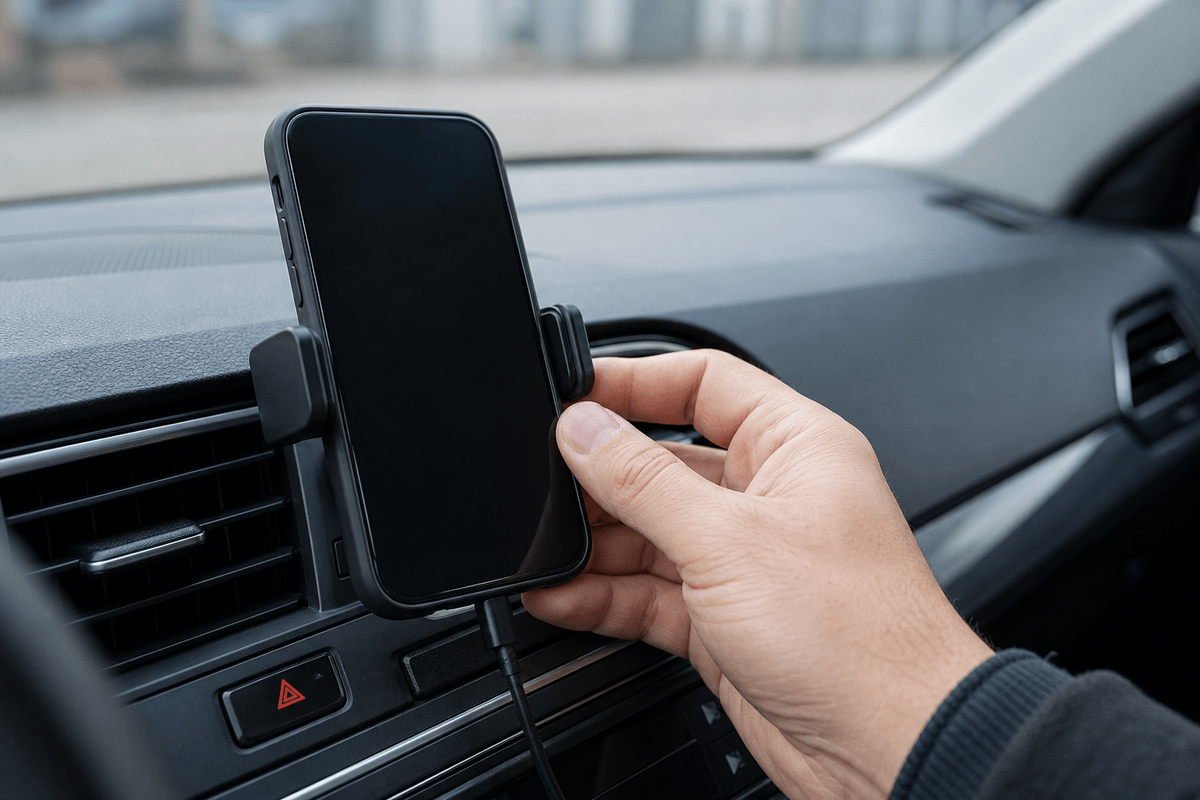
Before trusting a mount on a commute, test it while parked. Put the phone into the holder with the same case, cable, and screen orientation you use every day. Then gently tap the dash, nudge the cable, adjust the angle, and check whether the phone shifts. If it moves easily while parked, it will probably feel worse over rough pavement.
For a dashboard anti-slip style holder, surface preparation matters. Clean the area with a suitable interior-safe cloth, let it dry, and place the holder on the flattest practical part of the dash. Avoid textured zones that shed dust, glossy trim that reflects sunlight, or positions that make the phone look like a second instrument cluster.
Match the Holder to the Phone You Actually Carry
People often test a holder with a bare phone, then drive with a thick case, card wallet, metal plate, or charging cable attached. The real setup is what matters. If the case changes the phone's thickness or balance, check that the holder still grips the phone evenly and does not press side buttons.
If you rotate between several phones in one family car, avoid picking only for the smallest device. The holder should work with the largest and heaviest common phone, or you should choose a second holder for that driver. Shared vehicles are where “almost fits” becomes annoying very quickly.
Use Cable Routing as Part of the Mounting System
A dangling cable can make even a good holder feel unstable. Route the cable so it does not pull across the steering wheel, shifter, pedals, or passenger footwell. A short cable can tug the phone; an overly long cable can snag. The sweet spot is enough slack for steering and seat movement without a swinging loop.
If you want a clean setup, browse CarGearDirect's Interior Accessories and Protection and Gadgets categories as part of the same cabin-organization plan rather than treating the holder as a stand-alone gadget.
When an Anti-Slip Dashboard Holder Makes Sense
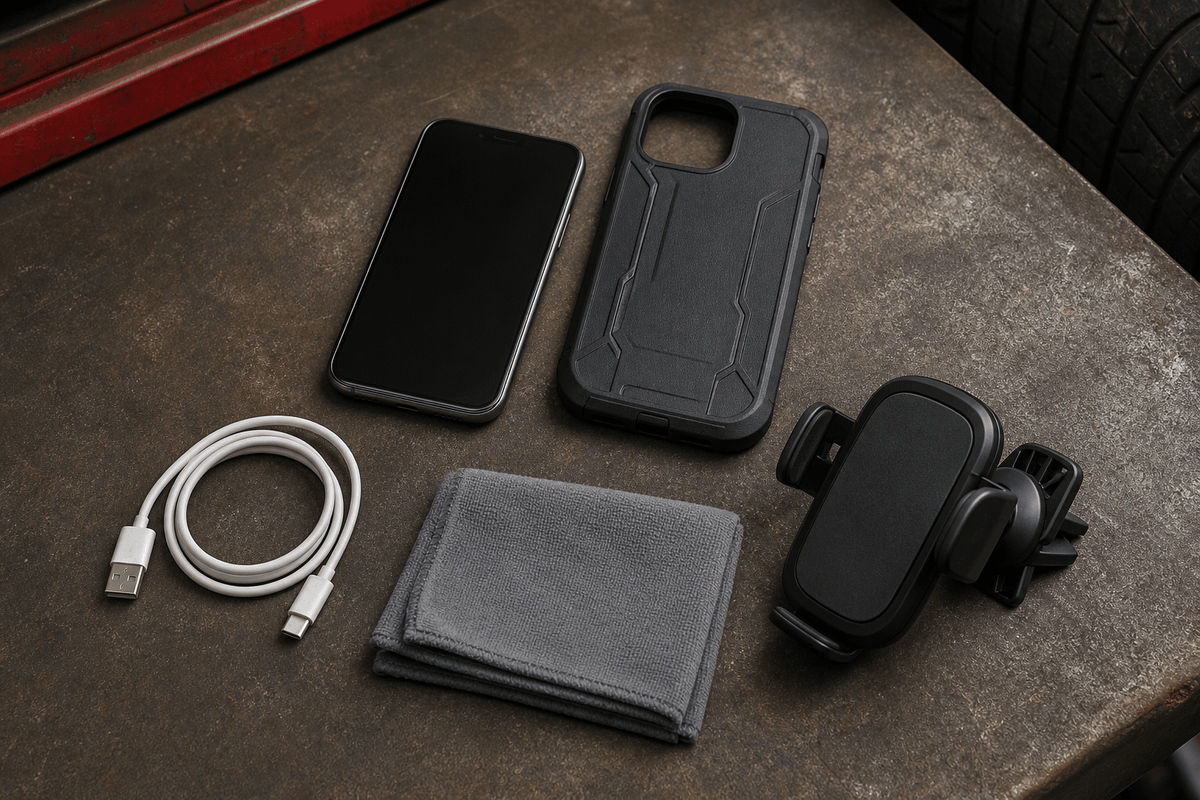
A dashboard anti-slip holder is appealing when you want quick placement, no vent clip, no windshield suction cup, and less installation fuss. The CarGearDirect product page describes its holder as easy to clean and reposition, which can be useful if multiple drivers need slightly different angles.
It may not be the right answer for every dashboard. If your dash is sharply sloped, deeply textured, heavily curved, or constantly exposed to strong sun, compare the product with other options before ordering. A “won't fall” result comes from matching the holder style to the vehicle, not from the wording on the box.
Buying Checklist
Use this checklist before buying or replacing a car phone holder:
- Confirm the holder location does not block the driver's view, controls, vents needed for visibility, or airbag areas.
- Test with the actual phone case, screen orientation, and charging cable.
- Check whether the dashboard surface is flat, clean, dry, and suitable for the mounting style.
- Think about heat, sunlight, and seasonal temperature changes.
- Review the product page, shipping expectations, and return or contact options before purchase.
For current store options, start with the CarGearDirect products catalog, check Best Sellers, scan New Arrivals, and use the shipping policy or contact page if you need ordering help.
A car phone holder that will not fall is not just about grip strength. It is a small system: safe placement, clean surface, balanced phone, controlled cable, and realistic expectations. Get those pieces right, and a simple holder can feel much more dependable on everyday drives.