
A wireless charging car phone mount sounds like the cleanest possible phone setup: place the phone, start navigation, and avoid cable clutter. In practice, it is worth checking a few details before upgrading. Wireless charging depends on the phone, case, coil alignment, power adapter, cable quality, cabin heat, and the mount position. If any one of those pieces is wrong, the mount may still hold the phone but charge slowly or inconsistently.
When reviewing the current CarGearDirect catalog, the relevant live product found was the Car Dashboard Anti-Slip Mat Phone Holder. Its product page describes a simple one-piece silicone dashboard stand with a sticky surface, adjustable slot, easy cleaning, and repositioning. It is a phone holder rather than a wireless charging mount, so it is best used here as a comparison point for shoppers deciding whether they truly need powered charging built into the mount.
Make Sure It Is Actually a Charger
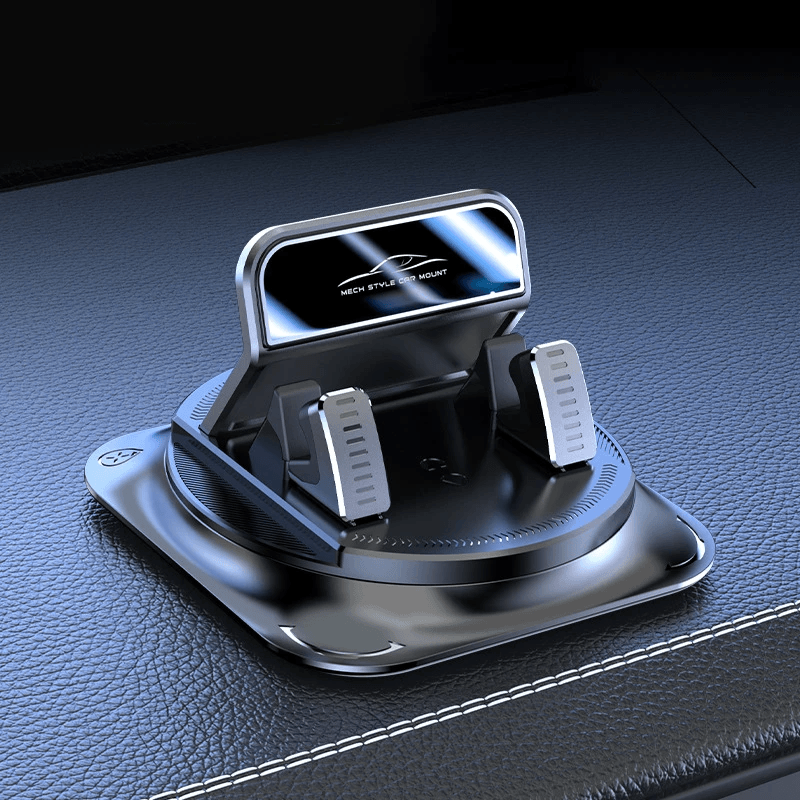
Some listings use words like magnetic, wireless, charging-ready, or cable-friendly in ways that can be confusing. A holder that grips a phone is not automatically a wireless charger. A magnetic-looking mount is not automatically MagSafe or Qi-compatible. Before buying, confirm the product page clearly states that the mount has built-in wireless charging and lists the charging standard or compatible device family.
Apple's MagSafe documentation focuses on compatible iPhone models and magnetically aligned charging accessories. The Wireless Power Consortium maintains the Qi and Qi2 wireless charging standards used across many phone and accessory ecosystems. If you are buying for a specific phone, use the phone maker's compatibility notes first, then compare the mount's stated standard and power requirements.
Check the Power Chain, Not Only the Mount
A wireless charging mount is only one part of the power chain. The car adapter, USB cable, mount electronics, phone case, and phone software can all affect the result. A high-wattage claim on the mount does not help if the 12V adapter or USB port cannot supply the needed power.
- Phone compatibility: Confirm whether the phone supports Qi, Qi2, MagSafe-style alignment, or another method.
- Case thickness: Thick cases, wallet cases, and metal plates can reduce charging reliability.
- Power adapter: Use the wattage and port type recommended by the mount maker.
- Cable routing: Keep cables away from steering, pedals, shifters, and passenger movement.
- Heat: Direct sun plus wireless charging can make phones warmer than a passive holder would.
Think About Heat Before You Pick a Position
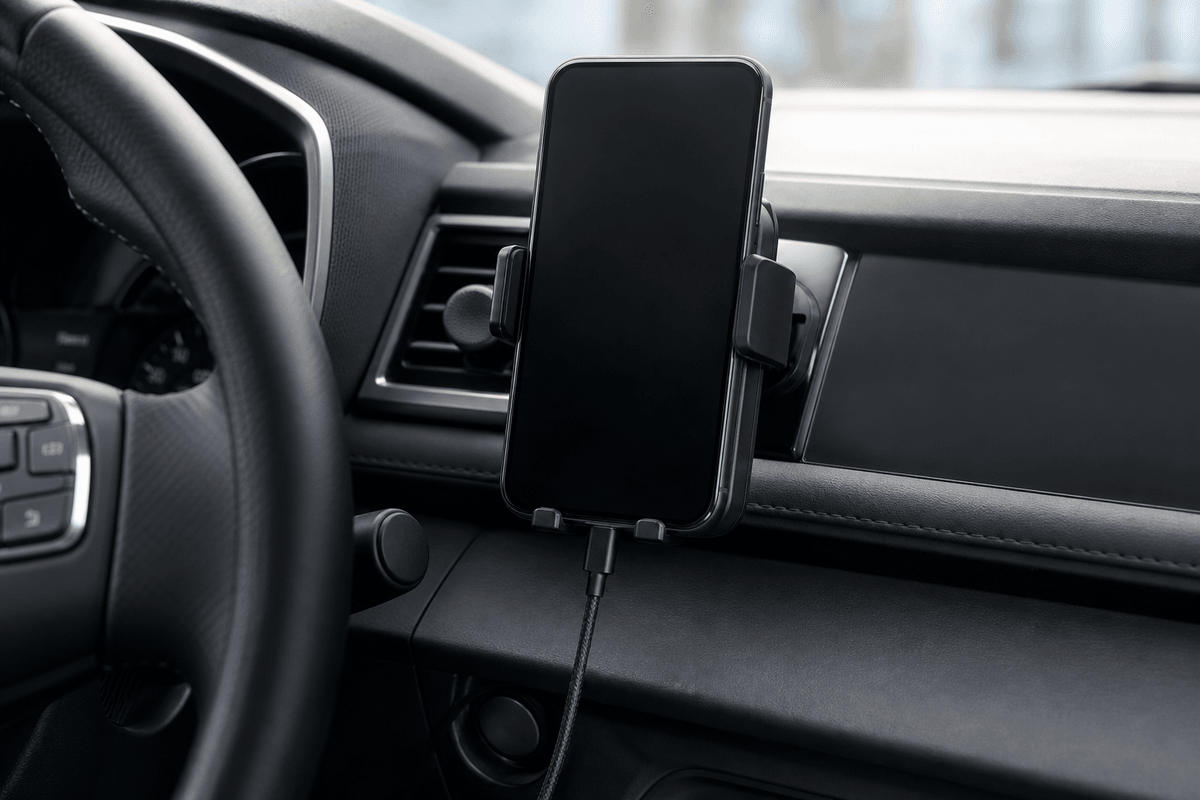
Wireless charging creates some heat, and a parked or sunlit cabin can add more. A dashboard location may be convenient for visibility but can sit in direct sun. A vent-adjacent position may be cooler in summer with air conditioning but may be exposed to warm airflow in winter. If your phone already gets warm during navigation, brightness, and charging, choose a mount position that helps rather than adds stress.
This is where a non-powered holder can still make sense. If your usual drive is short or you prefer a wired charger plugged in only when needed, a simple holder such as CarGearDirect's dashboard anti-slip option may reduce electronics, heat, and compatibility concerns.
Keep the Screen Useful but Not Distracting
A charger does not solve distraction. NHTSA warns that distracted driving includes anything that takes attention away from driving. Mount the phone where you can glance at navigation without blocking the road view, and finish app setup before the vehicle is moving. If a mount makes you reach, tap, or fight alignment while driving, it is the wrong position no matter how fast it charges.
Also avoid airbag paths and loose cable loops. A wireless charging mount still uses a cable to power the charger, so the cabin should be organized as carefully as it would be for wired charging.
When to Choose Wireless Charging and When to Stay Simple
Wireless charging makes the most sense for drivers who use navigation every day, take frequent short trips, dislike plugging in cables, and already own compatible phones and cases. It is less compelling if your phone lacks wireless charging, if you use a thick wallet case, or if the vehicle's best mounting position sits in direct sun.
If you are still comparing options, browse the broader CarGearDirect products catalog, Interior Accessories, Protection and Gadgets, Best Sellers, and Community Picks. For ordering questions, review the shipping policy or use the contact page.
Pre-Purchase Checklist
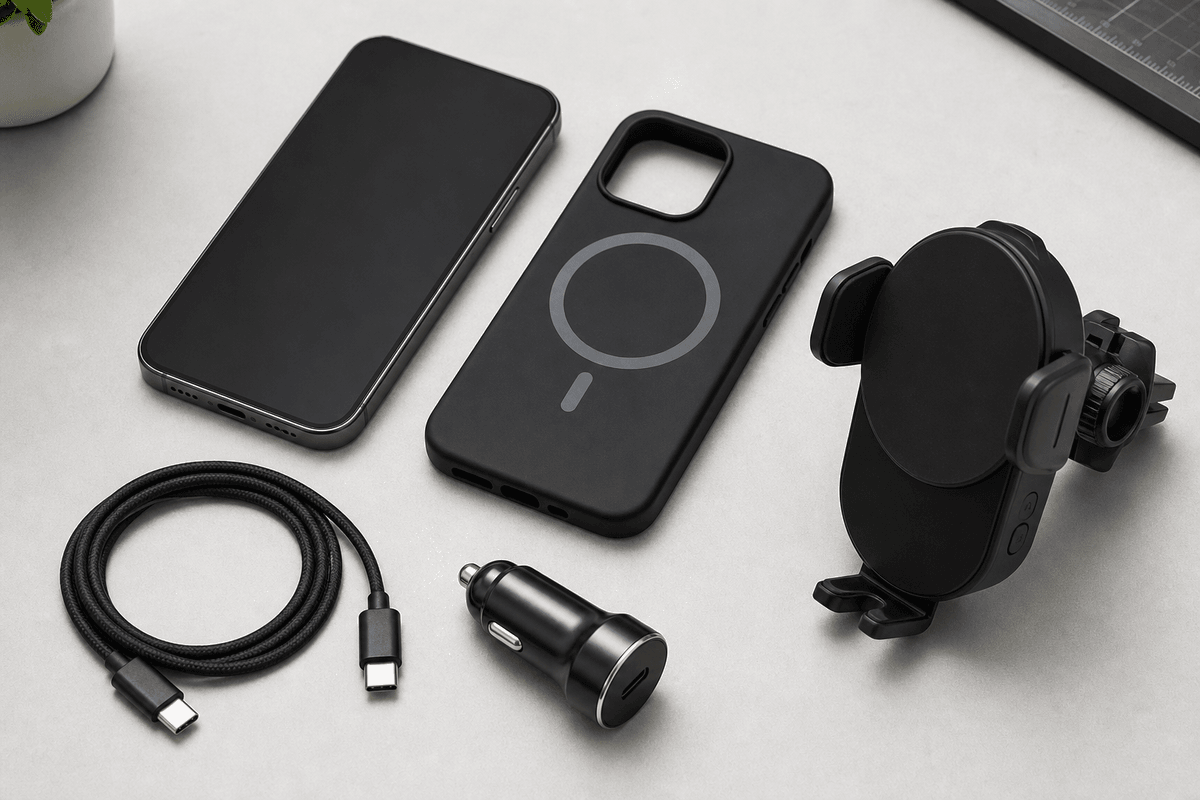
Before choosing a wireless charging car phone mount, ask these questions:
- Does the listing clearly say it includes wireless charging, not just phone holding?
- Does it support the exact phone and case combination you use?
- Does the mount require a particular power adapter, port, or cable?
- Will the phone stay visible without blocking windshield view, controls, vents, or airbags?
- Will the placement avoid the worst heat and glare in your car?
A wireless charging car phone mount can be a tidy upgrade, but only when the charging standard, power source, placement, and phone case all agree with each other. If those details feel uncertain, a stable non-powered holder plus a carefully routed cable may be the more dependable everyday setup.