
Wireless CarPlay adapter compatibility is where many disappointing purchases begin. The adapter may look simple, but it has to work with your vehicle's wired CarPlay system, the correct USB port, your iPhone, the vehicle head unit, and the adapter's own software. If any of those pieces are outside the stated compatibility range, the result can be slow startup, random disconnects, or no CarPlay at all.
CarGearDirect's current live catalog reviewed for this article did not show a wireless CarPlay adapter product by name. If you are shopping for other cabin upgrades, you can still compare related categories such as Protection and Gadgets, Interior Accessories, and the full products catalog.
The Core Compatibility Rule
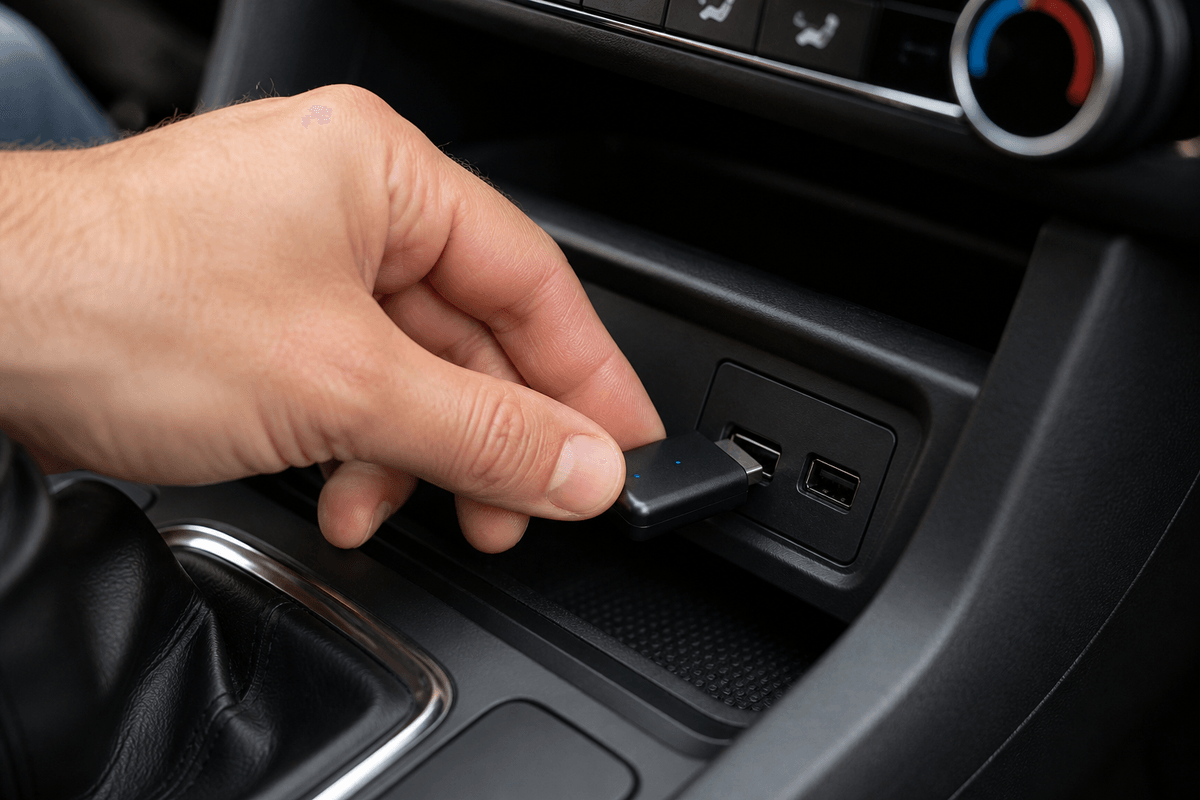
A typical wireless CarPlay adapter is designed for vehicles that already support wired CarPlay. It usually does not add CarPlay to cars that only have Bluetooth, a standard USB media player, or a screen without CarPlay support. Before reading any adapter listing, confirm that your iPhone launches CarPlay through the car's USB port using a reliable cable.
Apple's CarPlay support pages are a good starting point for checking iPhone setup, vehicle support, Siri settings, and supported vehicle models. The vehicle owner's manual and the adapter maker's compatibility list should come next, because model-year changes can matter even within the same vehicle nameplate.
Compatibility Checklist
| Check | Why it matters | How to test |
|---|---|---|
| Wired CarPlay works | Most adapters convert an existing wired system to wireless behavior | Plug the iPhone directly into the CarPlay USB port |
| Correct USB port | Some ports charge only and do not send CarPlay data | Use the same port that starts wired CarPlay |
| iPhone settings | CarPlay relies on phone permissions and connection settings | Check CarPlay, Siri, Wi-Fi, and Bluetooth settings before pairing |
| Head unit type | Factory and aftermarket systems may behave differently | Match the exact vehicle year or head unit model to the adapter list |
Common Compatibility Traps
One common mistake is assuming that a USB-C port means newer compatibility. The connector shape is not enough; the port must support the data path used by CarPlay. Another trap is relying only on a vehicle model name. A 2020 and 2024 version of the same model may have different infotainment software, and an aftermarket screen may not behave like the original factory unit.
Family vehicles can add another layer. If two drivers use different iPhone models or different Apple IDs, test pairing and switching behavior before relying on the adapter. Some adapters reconnect quickly to the last phone but take longer when multiple phones are nearby.
What If the Store Listing Is Vague?
If a listing does not clearly say which vehicles, model years, head units, and phone versions it supports, treat that as a risk signal. The FTC's online shopping guidance is a useful reminder to check seller details, policies, and product information before ordering. Keep screenshots of compatibility claims in case you need support later.
For CarGearDirect shoppers, use the contact page for availability questions and check the shipping policy before purchase. You can also browse Best Sellers, New Arrivals, and Community Picks for currently visible accessory options.
Bottom Line
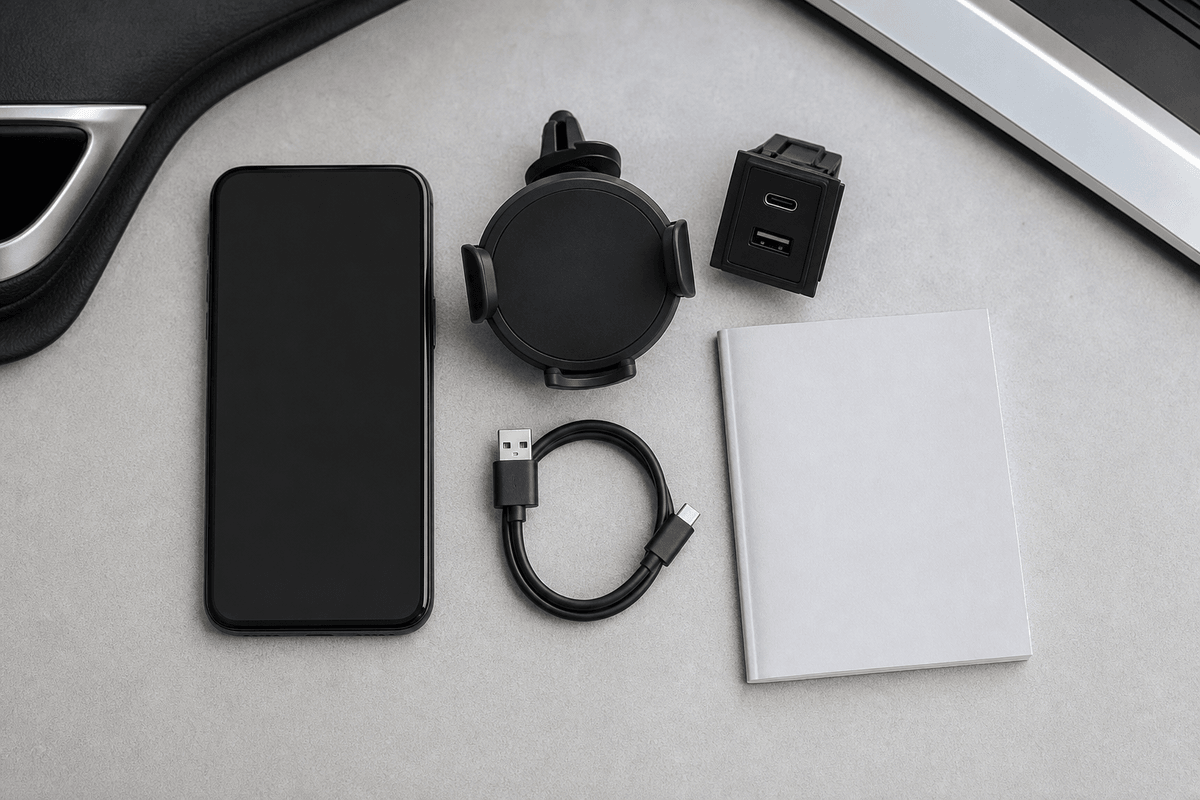
The best compatibility test is simple: if wired CarPlay works reliably through the exact USB port you plan to use, a compatible wireless adapter may be worth considering. If wired CarPlay does not work first, solve that problem before buying an adapter. Wireless convenience should sit on top of a stable wired foundation.